


According to MGMA’s 2026 Regulatory Burden Report, 40% of practices reported hiring multiple full-time administrative staff per physician just to manage payer rules, audits, appeals, and reporting demands (MGMA, 2026). That’s real staff time pulled away from patients, and it’s exactly the kind of pressure a medical virtual assistant is supposed to relieve.
Hiring one is the easy part, though. Knowing whether that hire is working out, in real terms, is where most practices go quiet. A biller gets added to the schedule, a virtual receptionist starts answering calls, and three months later, nobody can say with any confidence whether patient response time improved or claims are moving faster. That gap between hiring and measuring is exactly where the value of medical virtual assistant KPIs shows up. Practices that combine virtual staffing with structured medical billing services or broader revenue cycle management already track collections and denial rates closely. The same discipline needs to apply to the virtual medical assistant services layer, whether that means a scheduling coordinator, a billing support assistant, or a full healthcare staffing solution built around your front office.
What Changes Once You Start Tracking Medical Virtual Assistant KPIs
Most practices hire a virtual assistant based on a gut feeling that things will improve. And often they do, at least at first.
The problem shows up later, when volume creeps back up, when a second provider joins the practice, or when the assistant’s workload quietly shifts without anyone updating expectations.
Without a scorecard, performance conversations turn into guesswork. Someone feels like calls are being missed. Someone else thinks documentation is slower than it used to be. Nobody has numbers to settle it.
Medical virtual assistant KPIs give practice managers a shared reference point instead of competing impressions, and that alone changes how performance reviews go.
This isn’t about micromanaging a remote employee. It’s about protecting the return on an investment that’s supposed to free up in-house staff, reduce overhead, and keep the revenue cycle moving. If a practice can’t answer basic questions about response time, task completion, or documentation speed, it has no real way of knowing if the hire paid off.
Scheduling and Response Metrics That Reveal Real Impact
Three categories tend to surface problems first: how quickly patients are scheduled, how quickly they’re responded to when something changes, and how phone volume gets handled day to day.
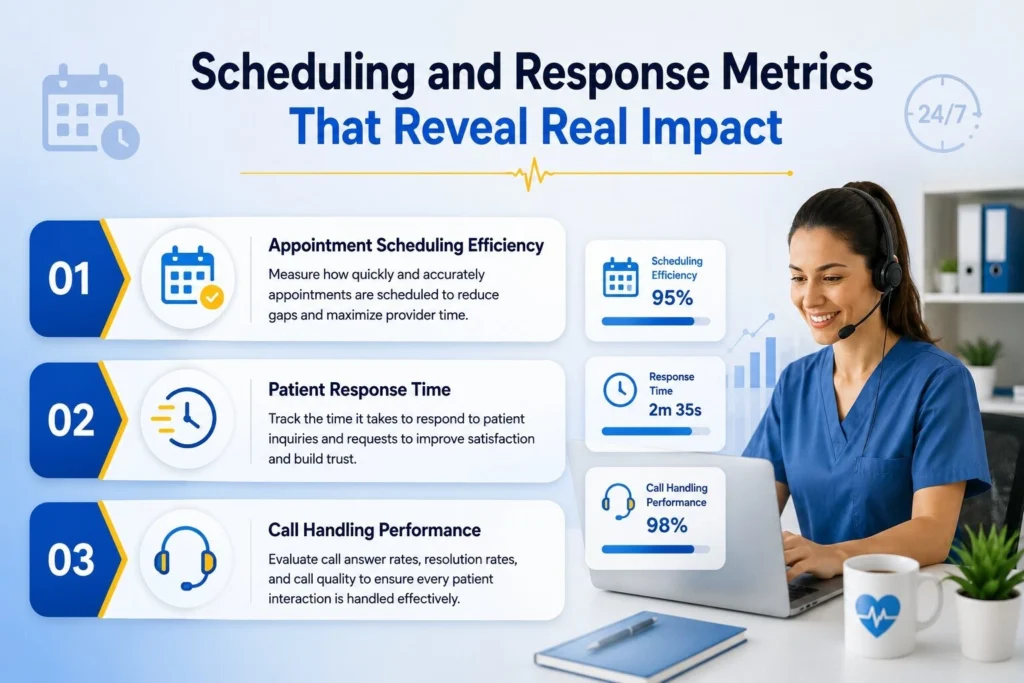
1. Appointment Scheduling Efficiency
This tracks how many appointment slots get filled without gaps, double bookings, or last-minute scrambling. A virtual assistant handling scheduling well keeps the calendar tight without overbooking providers.
When scheduling efficiency drops, it usually shows up as increased no-shows or as providers sitting idle between visits, and both cost money quietly rather than all at once.
2. Patient Response Time
How long does it take for a patient message, callback request, or portal inquiry to get a response? Practices that track this closely often set a target window, something like under four hours during business hours, and measure against it weekly.
A slow pattern here rarely stays contained to messaging, either. It tends to show up later as patients calling in instead of waiting for a reply, which pushes the problem straight into the phone queue.
3. Call Handling Performance
Call handling performance measures how many calls get answered live, how many go to voicemail, and how many get resolved without a transfer or a second callback.
Slow response times and high call abandonment tend to travel together. Either one on its own is a warning sign worth investigating before it shows up in patient reviews.
Accuracy Metrics That Protect Your Revenue Cycle
Speed matters, but accuracy is what protects the money. A fast assistant who verifies insurance incorrectly creates more work than a slower one who gets it right the first time.

1. Insurance Verification Accuracy
Eligibility errors are one of the most preventable causes of denied claims, yet they keep happening because verification gets rushed or skipped when volume spikes. Tracking accuracy here means comparing verified coverage against what gets billed and paid, then flagging the gap.
A practice running clean verification tends to see denial rates drop within a couple of billing cycles, though the exact timeline varies depending on payer mix and how many specialties the practice covers.
2. Documentation Turnaround Time
This measures how long it takes for notes, chart updates, or billing documentation to move from the point of care to being finalized in the system. Long turnaround times create bottlenecks downstream, particularly for billing teams who can’t submit a clean claim until documentation is complete.
A virtual assistant supporting this function should have a defined turnaround target, and that target should be visible to both the clinical team and the billing team, not buried in a report nobody reads.
3. Claim Denial and Rework Rate
Verification and documentation are the inputs. Denial and rework rate is the output that shows whether those inputs hold up.
Tracking how many claims come back for correction, not just how many get denied outright, catches quieter accuracy problems before they compound into a real cash flow issue.
A rework rate that keeps climbing, even while denials hold steady, is usually the earliest sign that something upstream needs a closer look.
A Short Scorecard Worth Reviewing Every Week
Beyond the metrics above, three additional numbers round out a complete picture of performance, and together they make up a solid set of virtual medical assistant metrics for any front office to start with.
None of these requires complicated software. A shared spreadsheet or a basic dashboard is usually enough to start.
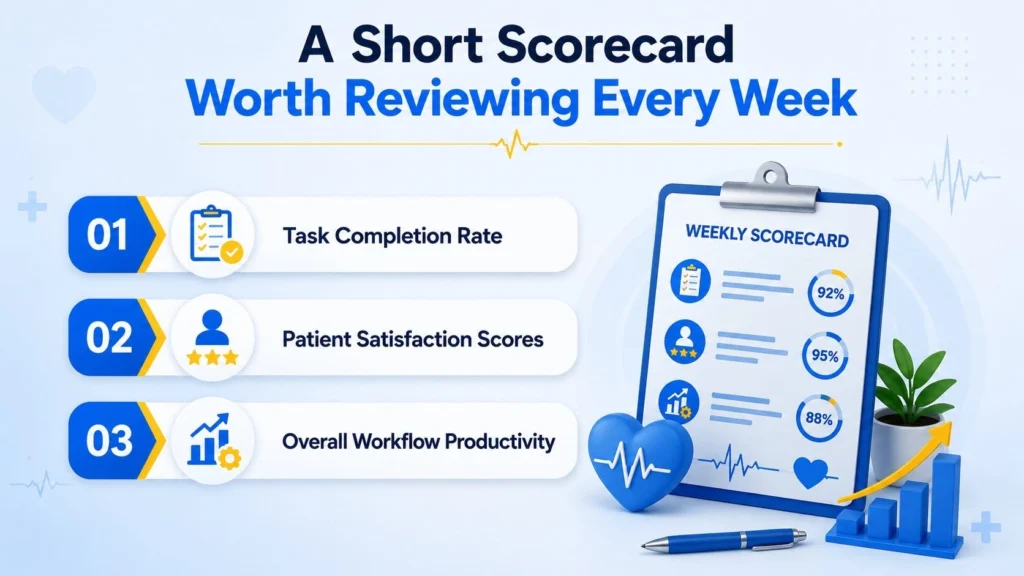
1. Task Completion Rate
This tracks the percentage of assigned tasks closed out within the expected timeframe, whether that’s referrals, prior authorizations, or data entry. A low completion rate often points to unclear priorities rather than a lack of effort.
2. Patient Satisfaction Scores
Short post-interaction surveys or periodic check-ins with front-desk staff can surface friction that never shows up in a productivity report. Patients notice tone and responsiveness even when everything else runs on schedule.
3. Overall Workflow Productivity
This is the composite view of how much administrative work is moving through the practice per hour of virtual assistant time, compared to before the hire. It’s the number most owners care about most, even if they ask about it using different words.
Reviewing these weekly, rather than quarterly, catches drift before it becomes a pattern. Quarterly reviews still matter for bigger trend lines, but weekly check-ins are what change behavior day to day.
Comparing KPI Categories Side by Side
Not every metric belongs in the same conversation. Grouping them by what they measure makes the scorecard easier to use, especially when reporting up to a practice owner who wants the short version.
| KPI category | Example metrics | What it tells you |
| Operational | Scheduling efficiency, task completion rate, workflow productivity | Whether daily work is moving at the pace the practice needs |
| Financial | Insurance verification accuracy, documentation turnaround time | Whether the revenue cycle is protected from preventable delays |
| Patient experience | Response time, call handling performance, satisfaction scores | Whether patients feel cared for, not just processed |
A practice that only tracks financial metrics might miss a satisfaction problem building quietly in the background. One that only tracks patient experience might miss a documentation bottleneck until it shows up as a cash flow issue weeks later. The strongest scorecards pull from all three columns, not just the one that’s easiest to measure.
Conclusion
Tracking medical virtual assistant KPIs isn’t about building a scoreboard for its own sake. It’s about knowing, with actual numbers instead of impressions, whether the hire is doing what it was brought on to do.
Scheduling efficiency, response time, accuracy, and documentation speed each tell part of the story, and none of them tell the whole thing alone. Practices that review these consistently tend to catch small problems before they turn into denied claims or frustrated patients. For practices weighing whether their current virtual support setup is pulling its weight, DoctorPapers works with providers on both the virtual assistant side and the billing side of that equation, and has written more on how virtual support changes day-to-day workload for physicians managing both patients and paperwork.
Frequently Asked Questions
1. How soon after hiring should a practice start tracking performance?
Start in week one, even if the numbers are rough. Baseline data collected early, even imperfect data, gives you something to compare against once the assistant is fully ramped up.
2. Do these metrics need special software to track?
Not necessarily. A shared spreadsheet updated weekly covers most small and mid-sized practices just fine. Larger practices with multiple assistants or locations usually benefit from a dedicated dashboard, but that’s a scaling decision, not a starting requirement.
3. What’s a reasonable patient response time target?
It depends on the type of practice and the nature of the message. A same-day surgical follow-up needs a faster response than a routine prescription refill request. Most primary care practices aim for same-business-day responses, though urgent messages should move faster than that.
4. Can one virtual assistant realistically handle all these KPI areas?
Rarely, and expecting one person to own scheduling, verification, documentation, and call handling equally well is usually where performance issues start. Most practices see better results when responsibilities are split by strength, even across a small team of two or three assistants.
5. How does productivity tracking differ from patient-facing metrics?
Productivity metrics measure output and speed: task completion, documentation turnaround, and similar operational numbers. Patient-facing metrics measure how that output feels on the receiving end. Both matter, and medical assistant productivity metrics alone usually give a practice an incomplete picture of what’s working.